Asger Risom
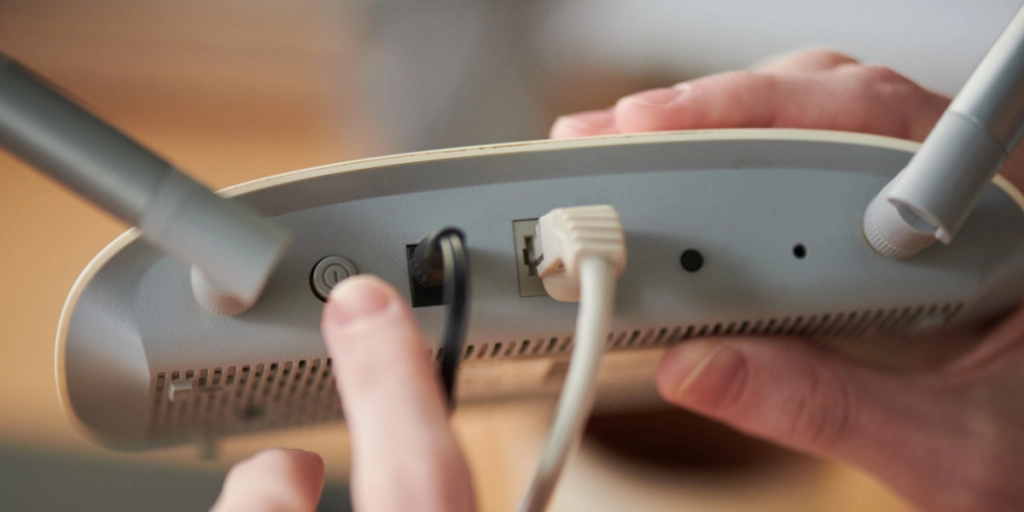
While turning off your Wi-Fi router at night might save a fraction of a cent in electricity, it actively sabotages crucial security updates and breaks your smart home devices.


For as long as home internet has existed, there has been a persistent, lingering myth that you should aggressively power down your Wi-Fi router every single night before you go to sleep. The logic sounds entirely reasonable on paper: you aren’t using the internet, so turning it off will save money on your electric bill, extend the hardware’s lifespan, and instantly cut off remote cyberattacks.
According to a recent breakdown by elEconomista, there is a kernel of truth to the security argument—you obviously can’t hack a network that is physically powered off. But in modern homes, aggressively killing the power to your router every night is actively sabotaging your own network stability.
The midnight update window
The primary reason you need to leave the router plugged in is that the tech industry specifically relies on the middle of the night to fix its software. Internet service providers and hardware manufacturers deliberately push their critical security patches and firmware updates between 2:00 AM and 5:00 AM.
If your router is sitting powered off in the dark, it will miss these automatic updates, leaving the hardware permanently vulnerable to the exact cyberattacks you were trying to prevent by unplugging it. You are also blinding every smart device in your house. If you rely on smart thermostats, Wi-Fi-enabled security cameras, or even a smart TV that downloads massive operating system updates while you sleep, killing the network effectively breaks them.


Furthermore, if you are on a copper broadband line (like DSL), repeatedly powering down the router triggers your provider’s dynamic line management system. The network interprets the sudden, nightly dropouts as an unstable connection and will automatically throttle your maximum internet speeds to try and stabilize the line.
Instead of treating your router like a lamp that needs to be switched off at bedtime, here is how you should actually be maintaining your home network:
Smart ways to power up your home internet
Routers are essentially just small computers that run 24/7. Over time, they suffer from memory leaks, cache build-ups, and background processing errors that inevitably slow down your connection.
You don’t need a nightly shutdown, but you do need a deliberate reboot. Unplugging the router for exactly 60 seconds once a month clears the memory banks and forces the device to find the cleanest, least congested Wi-Fi channels upon startup.
One of the most common reasons people experience terrible Wi-Fi speeds has nothing to do with their internet package, and everything to do with interior decorating. Because routers are generally ugly plastic boxes with blinking lights, people instinctively shove them inside metal cabinets, bury them on the floor, or hide them behind giant flat-screen TVs.
As CNET points out, Wi-Fi signals hate obstacles. A television is essentially a massive, solid shield that actively blocks the signal. A microwave operates on the exact same 2.4GHz frequency as your router and will cause massive interference. Get the router off the floor, out of the cabinet, and place it high up in a central, open location.
When was the last time you physically cleaned your router? If the answer is “never,” you are likely throttling your own speeds. Routers generate heat, and their internal components require passive cooling through the plastic vents on the casing. If those vents are choked with two years of household dust and pet hair, the internal processor will intentionally slow itself down to prevent a catastrophic meltdown. Take a can of compressed air to the vents every six months.