Asger Risom

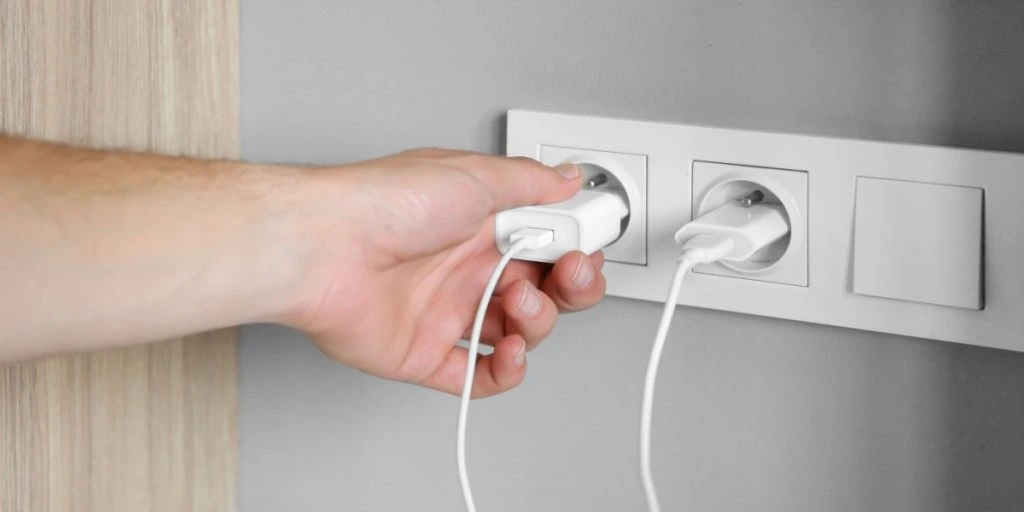
A charger’s headline wattage is a peak rate rather than a constant speed—phones slow down as batteries fill, manage heat, and rely on matching cables and standards to hit top speeds.


Grabbing a charger with a giant watt number on the box feels like buying a faster car—you expect speed every second you have your foot on the gas. In real life, a phone doesn’t charge like water pouring at one steady speed into a bucket from empty to full. The headline wattage is mostly a peak speed near the start, while heat, battery chemistry, and cables throttle the pace long before you hit 100%.
Peak watts only show up at the start
A charger’s wattage measures the rate of electrical power it can deliver, which is the product of voltage and current. Higher watts can push energy faster when everything aligns, yet your phone—not the wall brick—decides how much power it actually pulls. As WhistleOut explains, a charger can only supply as much power as your phone accepts, and phones charge fastest when the battery is low.
When a lithium-ion battery is nearly empty, there is plenty of room for lithium ions to move without building up excess electrical resistance. That early window is why ads love bragging about hitting 50% in twenty or thirty minutes. Once the battery fills past the halfway mark, forcing high power into a nearly full cell creates extra heat and stress, so the phone deliberately dials power back.
The last twenty percent often crawls compared to the sprint from zero to fifty. Think of merging onto a highway when the road is wide open versus squeezing into bumper-to-bumper traffic near your exit. Slowing down near the top protects battery health and keeps temperatures from climbing out of hand.


Heat and cables can cap your speed early
Even when your battery is low, temperature can cut a fast-charging sprint short before you expect it. As Make Tech Easier notes, excess heat is a major driver of battery wear, so phones throttle power when temperatures rise. If your phone sits under a pillow, inside a thick case, or in a warm car while plugged in, it will step down wattage sooner to stay safe.
Your cable and charging standard also sit right in the middle of that power handshake. A phone and charger negotiate what power level and charging protocol both support the moment you plug in. A flimsy cable or mismatched standard can force the setup to fall back to slower speeds even if the brick itself has high wattage.
Proprietary fast-charging systems from specific brands often need matching adapters and cables to hit their highest advertised numbers. Standard USB Power Delivery works across lots of gear, yet some phones still rely on specific features like Programmable Power Supply or brand-specific protocols for top speed. Checking compatibility saves you from buying a beefy charger that still charges at a modest pace.
How to buy a charger that fits your routine
Start by checking the maximum charging power your phone actually supports before shopping for bricks. Buying a high-wattage charger won’t force a phone capped at lower wattage to charge faster, though it can still be handy if you also charge a tablet or laptop. A single reliable USB-C charger with enough ports often beats collecting mismatched bricks for every gadget.
Pay attention to how and when you charge rather than chasing the highest number on a shelf. If you plug in overnight while you sleep, slow or adaptive charging is plenty and avoids extra heat buildup. Fast charging earns its keep on busy mornings or road trips when you only have fifteen or twenty minutes near an outlet.
Pair a trustworthy charger with a sturdy, properly rated cable so power flows cleanly without bottlenecks. Keep the phone uncovered in normal room temperatures while it tops up so thermal throttling stays minimal. Once you know how the charge curve works, a charger’s box stops looking like a promise of nonstop warp speed.