Asger Risom

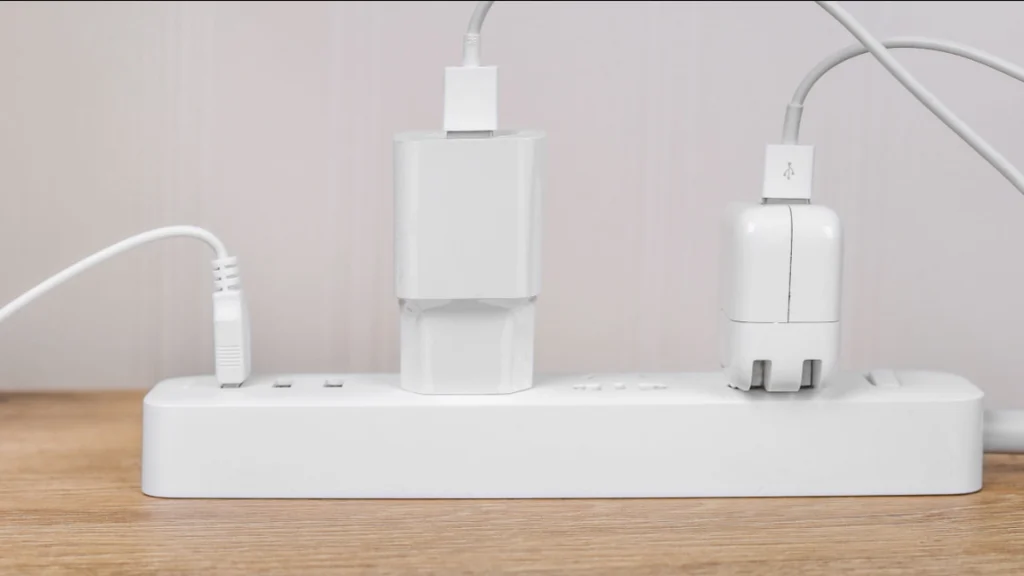
Energy-monitoring smart plugs help shoppers spot power draw and automate everyday devices with kilowatt-hour tracking and scheduled shutoffs. Buyers get better results by checking safe load limits, outlet clearance, and app energy charts before buying in bulk.


Smart plugs with built-in energy monitoring help everyday shoppers spot power-hungry devices and automate routine gear without rewiring a single outlet. By tracking live wattage and cumulative kilowatt-hours right at the wall, these outlets show which gadgets stay active around the clock and let you schedule shutoffs or alerts automatically. For buyers right now, the real advantage is practical: seeing actual power draw replaces guesswork with targeted schedules on lamps, chargers, desks, and media centers.
Kilowatt-hours and load ratings decide real-world value
When shopping for a metered plug, look for cumulative kilowatt-hour tracking rather than instant wattage alone. As Solder’s smart plug guide and Joybuy’s energy-monitoring plug guide point out, live watts show what a device pulls right now, whereas kilowatt-hours add up usage over days and weeks—the number that matches your electricity bill. Checking real usage over time shows whether an idle media rack, printer, or charger cluster is actually worth automating.
Pay close attention to electrical load limits and safety ratings before plugging in heavy gear. Space heaters, window air conditioners, and high-draw motors can pull heavy startup or continuous loads that push compact plugs past safe limits. Smart plugs work far better on lamps, fans, coffee makers, desks, and entertainment gear than high-wattage heating appliances.
Physical shape and outlet spacing matter the moment you plug a unit into a wall socket. Wide housings can block the second outlet on a duplex socket or bump against tight furniture behind a desk or sofa. Having a physical button on the plug also gives you a quick manual switch if Wi-Fi drops.


Wi-Fi, Zigbee, and app support shape daily control
Most Wi-Fi smart plugs connect straight to your router and companion app without needing a separate hub, making them easy to set up for quick schedules and voice control. Coverage from The Gadgeteer’s smart plug roundup and PromptQuorum’s metered plug scorecard also highlights Zigbee and local-first options for households that prefer dedicated mesh radios or local dashboards. Matching the plug’s wireless protocol to what you already run keeps setup simple and avoids extra bridges.
Check which app shows detailed energy charts and historical logs before buying. Some plugs expose basic on/off control in a voice assistant app while keeping detailed graphs or cost estimates inside the manufacturer’s own app. Confirming that upfront saves you from expecting charts that do not show up where you look.
Also check whether a device turns back on cleanly after power is cut and restored. Appliances with mechanical switches or simple power states usually cooperate well with scheduled shutoffs, while gear with soft electronic buttons may stay off until pressed. Testing that behavior on one outlet prevents surprises.
Everyday automations turn power data into simple habits
The best smart plug routines run quietly in the background and cut small daily chores without adding app busywork. You can put desk accessories, chargers, or entertainment gear on schedules so they do not sit powered overnight or when nobody is home. Some setups can also send alerts when power draw drops after a cycle finishes or spikes outside normal hours.
Start with one or two spots where you suspect standby draw or want an automatic shutoff, such as a home office, gaming corner, or guest room. Watching real numbers for a week or two tells you which devices actually waste power before you buy a multi-pack. That keeps spending tied to real habits rather than guesswork.
Keep critical gear like refrigerators, freezers, and main network routers off automatic shutoff schedules unless you have clear safeguards against accidental power cuts. Nobody wants a routine or a houseguest flipping off a fridge by mistake. Sticking to low-risk everyday devices makes automation reliable.
Shoppers should verify specs and start small
Before buying energy-monitoring plugs, check your smart home app, confirm exact model numbers, and verify wattage limits and outlet clearance. Multi-packs save money once you know a model plays nicely with your Wi-Fi or hub, while a single plug or two-pack lets you test setup first. Two minutes on the spec sheet prevents returns later.
Pair straightforward schedules with a quick check on which devices actually stay on between uses. Small, repeatable habits beat complicated scenes that nobody in the house remembers to use. Good home gear should save effort without creating new headaches.
Focusing on accurate kilowatt-hour tracking, safe load ratings, and clean app support gives you practical utility every day. You get clearer visibility into what your gear uses and easier control over routine outlets. That everyday payoff makes metered plugs a practical addition to a home setup.