Mikkel Christensen
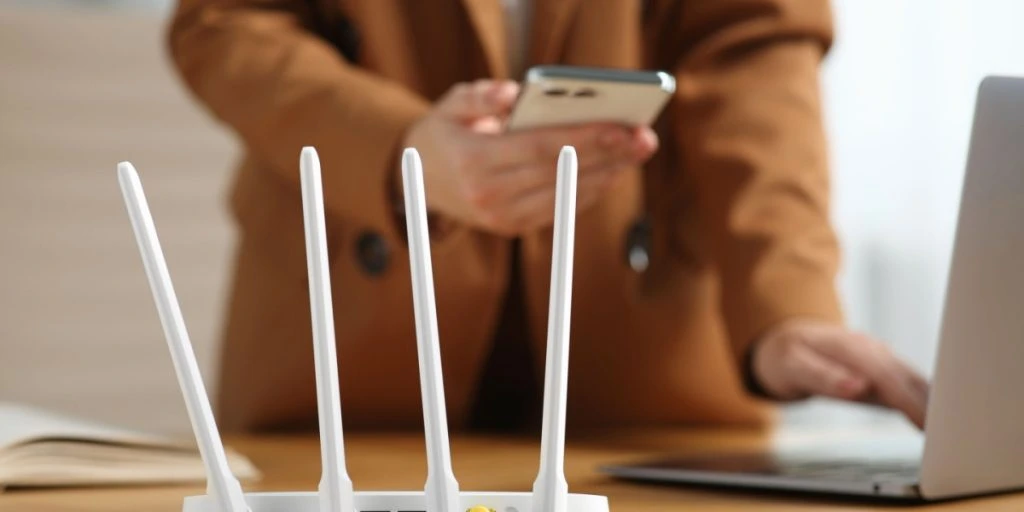
Many households rely on their Wi-Fi every day without giving much thought to how it’s set up.


Many households rely on their Wi-Fi every day without giving much thought to how it’s set up.
But small oversights in router settings can quietly affect both performance and security.
The hidden risk
A 2025 survey by Broadband Genie found that 47% of users never change their router’s default settings, while 72% keep the original Wi-Fi password.
That matters because the router acts as the central link between the internet and devices like phones, laptops, and smart home gadgets.


Even minor misconfigurations can slow speeds or expose the network to unwanted access, especially when left unchanged for years.
Default dangers
One of the most common mistakes is leaving factory login details in place. According to BGR, many routers still use simple combinations like “admin” for both username and password.
There are two key credentials to secure: the Wi-Fi password and the admin panel login. If either remains unchanged, outsiders may gain access more easily.
Once inside, attackers could monitor traffic, alter settings, or redirect users to harmful websites.
Updates ignored
Routers, like other devices, receive firmware updates to fix bugs and patch security flaws. Still, some users turn off automatic updates or overlook them entirely.
While the device may continue working, outdated software can leave known vulnerabilities unpatched.
Experts generally recommend enabling automatic updates or checking regularly for new firmware, particularly on older hardware.
Convenience traps
Features designed for ease of use can sometimes create new risks. For example, disabling Wi-Fi passwords or enabling WPS can make connecting devices quicker.
However, open networks allow anyone nearby to join, potentially using bandwidth or accessing shared data.
WPS, which connects devices at the push of a button, is also considered insecure. In some cases, its PIN system can be cracked within hours.
Placement matters
Physical placement also plays a role in performance. Routers placed in enclosed spaces or near interference sources can weaken signal strength.
Positioning the device in an open, elevated area away from electronics like microwaves can improve coverage.
Making a few simple adjustments can lead to faster speeds, stronger connections, and better overall security.
Sources: BGR, broadband